Calculator
A practical everyday calculator designed for quick use in the workshop, on site, or at the machine.
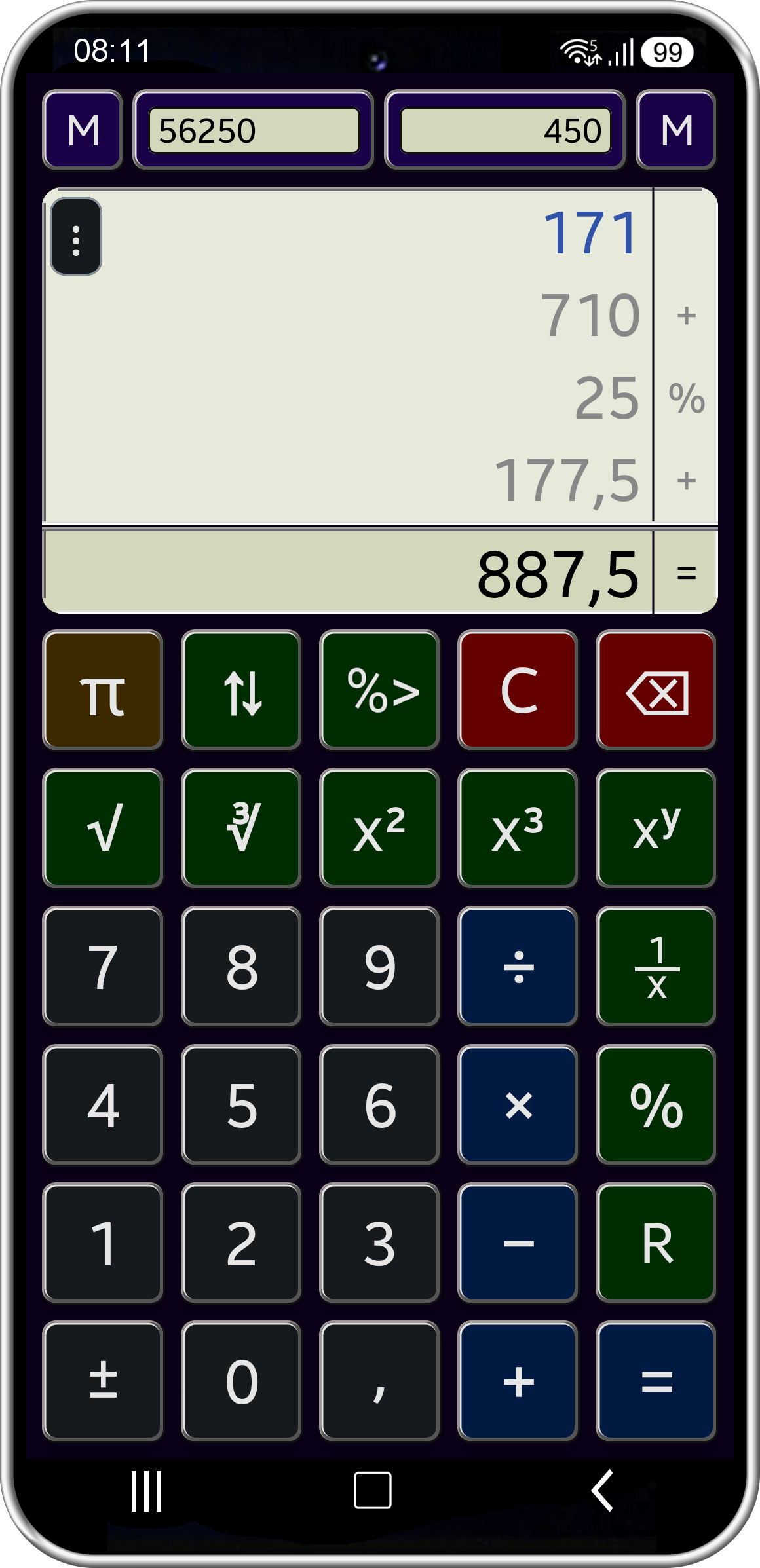
Two visible memory fields always show exactly what is stored. You can also calculate directly to memory instead of only storing the final result. For example, if M1 = 32, entering 6 × M1 = stores 192 directly back into M1.
Supports standard percentage calculations plus three additional percentage modes for common real-world tasks, including direct percentages, percentage change, and reverse percentage calculations, swipe up on the calculator to see how.
Includes calculation history and useful long-press actions for working with previous results.
Badut Calculator is always free,the rest is try before you buy.
You get 25 free tool tests, and after that you get a standard 30-day trial period.
When the free trial is over, you can unlock the full Badut Pro toolbox with a one-time purchase.
There is no subscription, there is no advertising, and there is no collection of marketing data.
Badut Tools
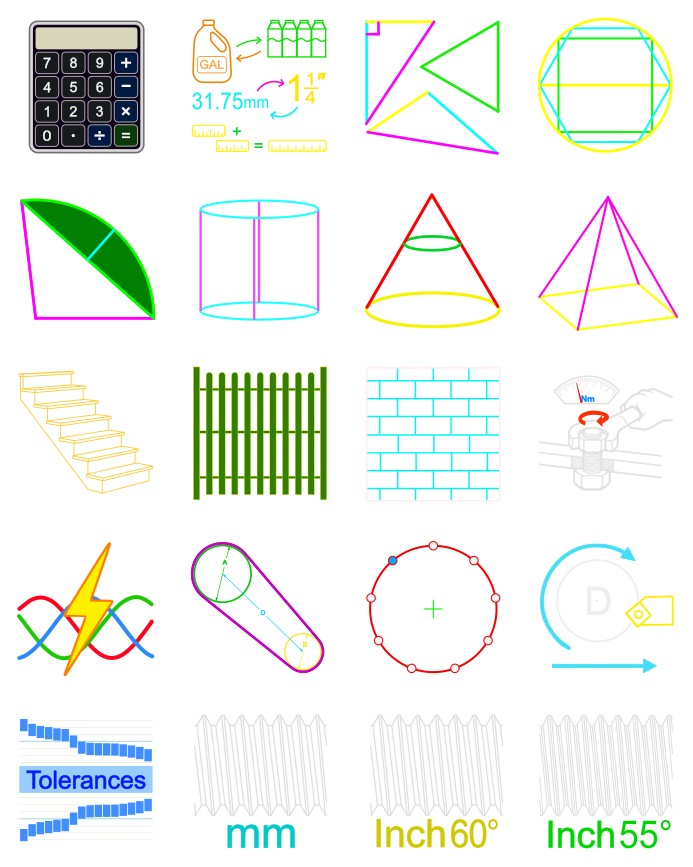
Tap an icon below to jump to that tool. The same layout is used inside the app.
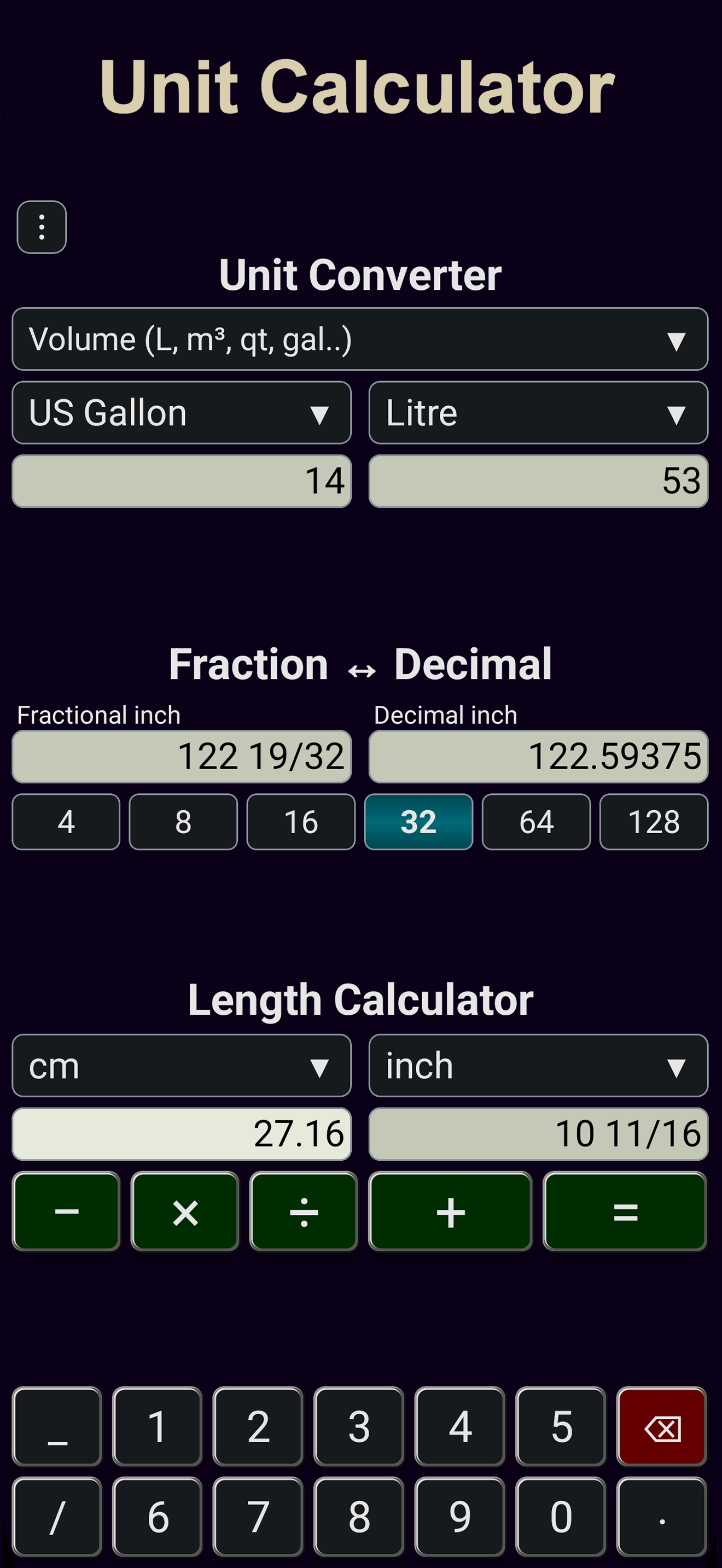
Convert between practical units for length, area, volume, weight, temperature, pressure, torque, speed, cooking, storage, time, fuel consumption and angles.
Convert inch fractions to decimal values and back, with selectable fraction precision.
The length calculator can work directly with metric and imperial dimensions, including feet, inches and inch fractions.
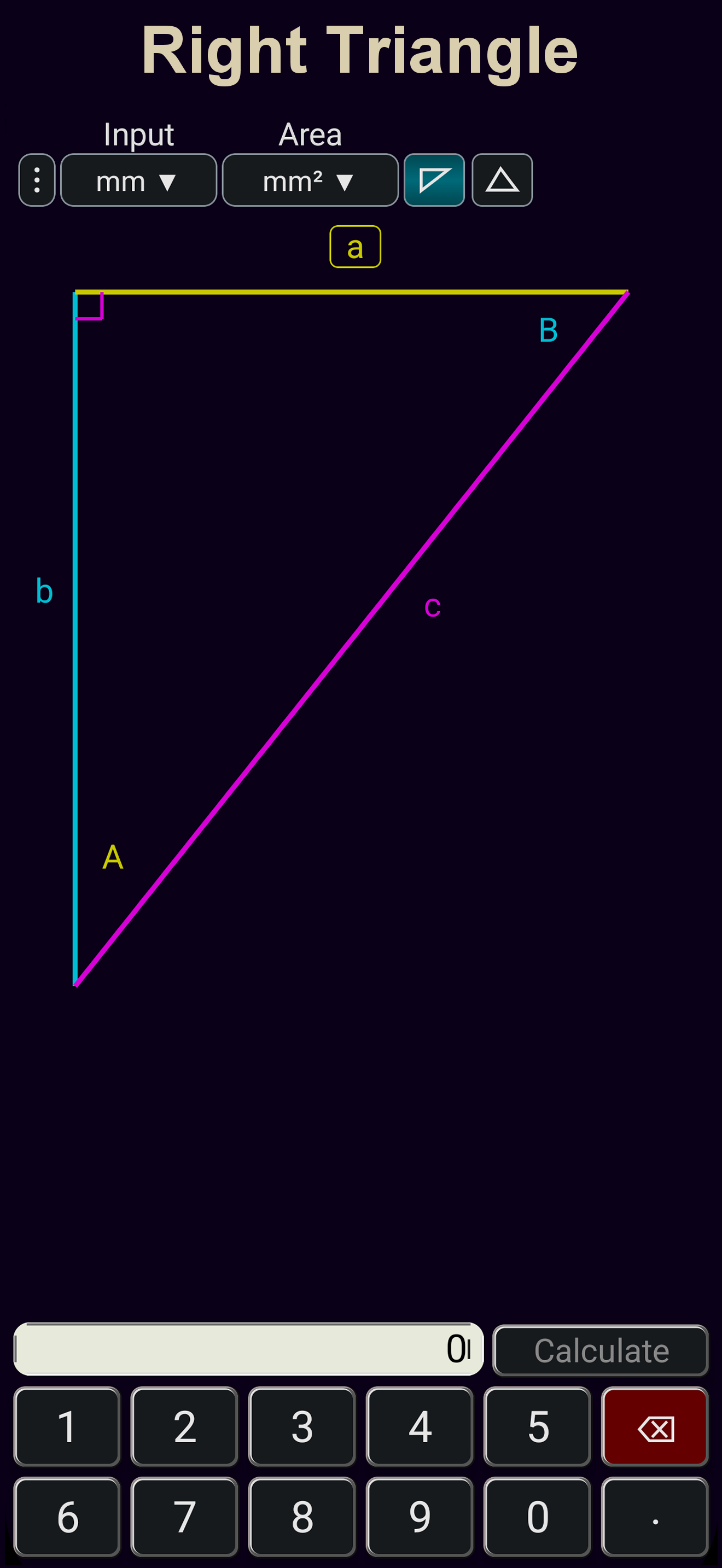
Calculate a right triangle from the sides and angles you know.
Enter enough known values and, when Calculate turns green, Badut calculates the remaining sides and angles.
Useful for layout, fabrication, construction and checking dimensions where direct measurement is difficult.
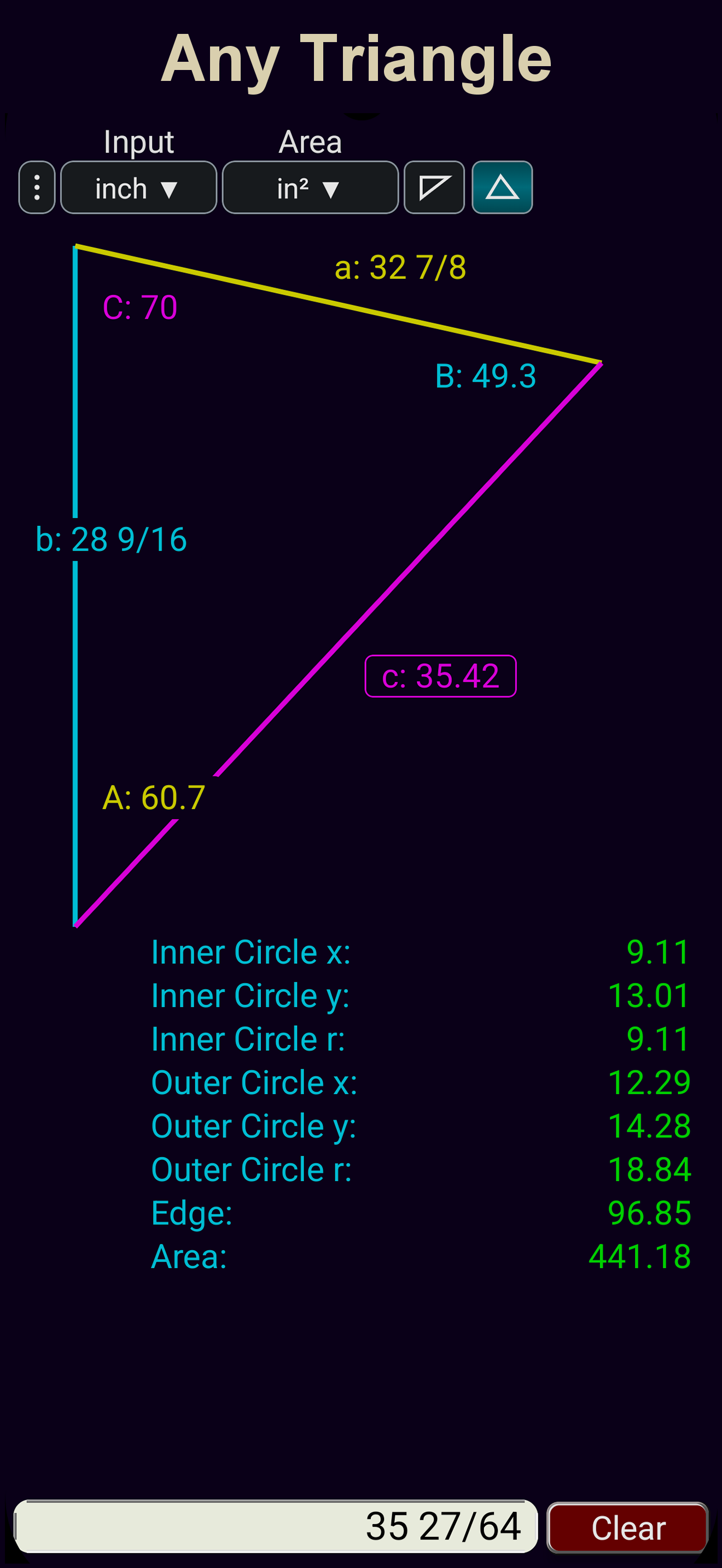
Use the general-triangle view when the triangle is not right-angled.
Enter the known sides and angles and Badut calculates the remaining values as soon as enough information is available.
Useful for fabrication, construction and awkward measurements where a right triangle cannot be used.
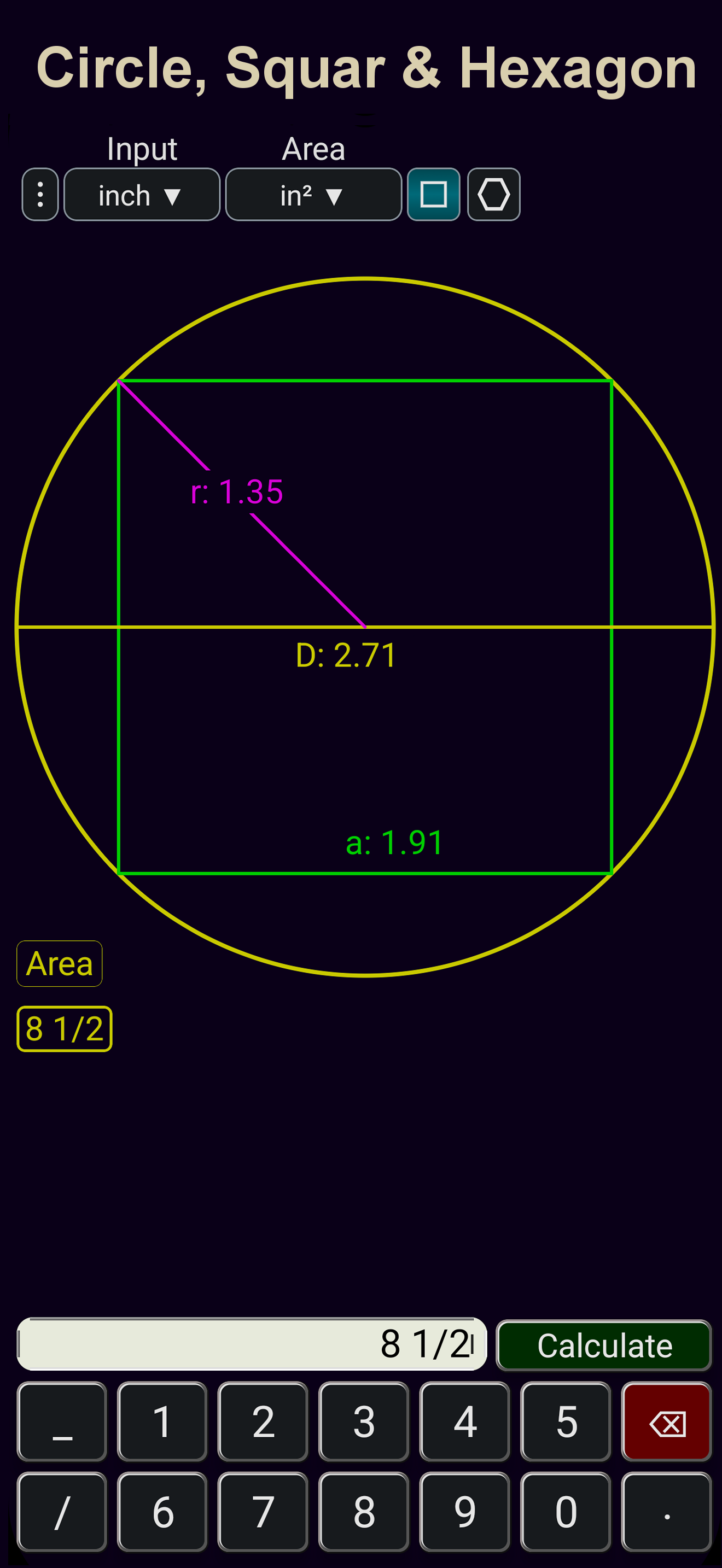
Use the circle view to calculate circumference, area and the dimensions of an inscribed square or hexagon from a diameter.
It can for instance calculate the correct round bar diameter needed to make a nut from just the wrench size.
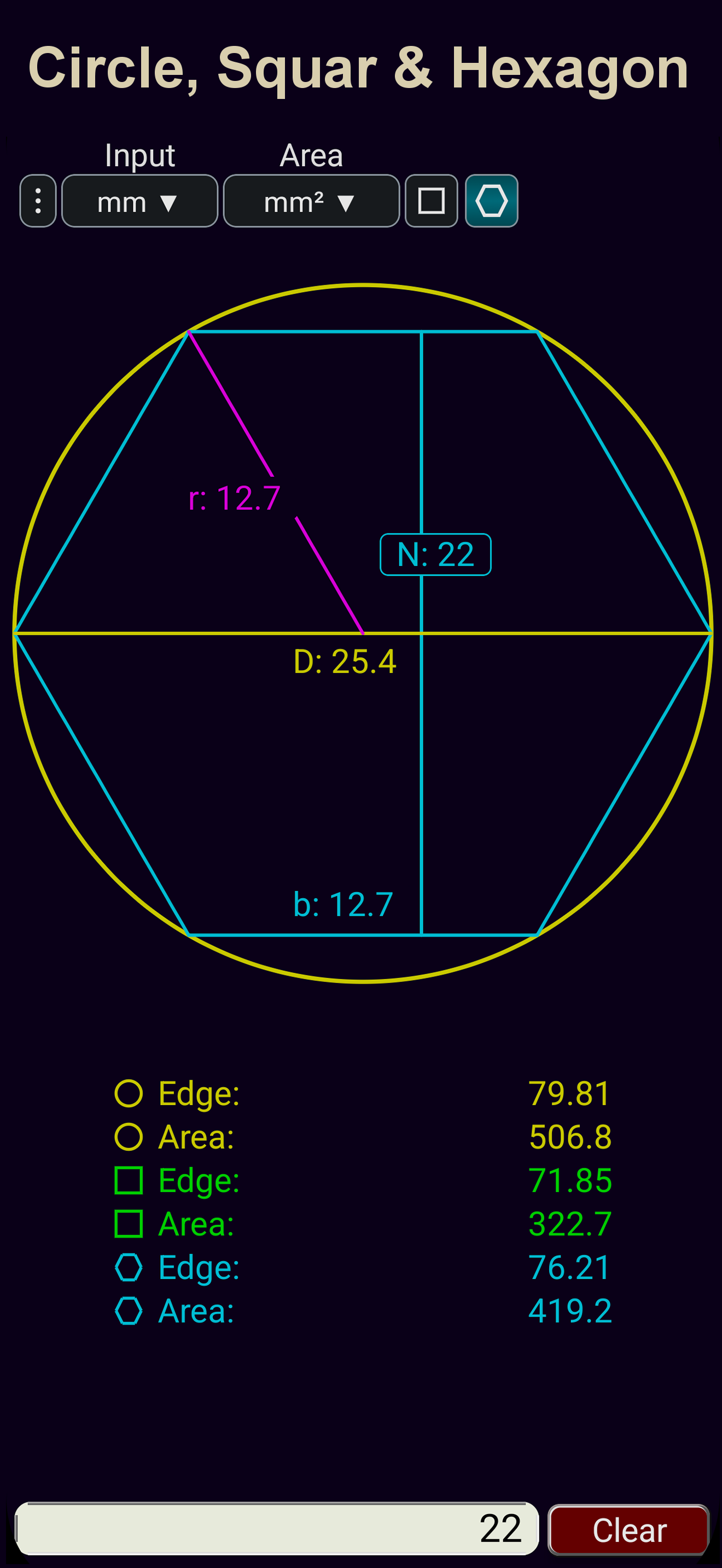
Use the square and hexagon view to work the other way around from a square size, hexagon size or wrench size.
Badut calculates the corresponding circle diameter together with areas and circumferences.
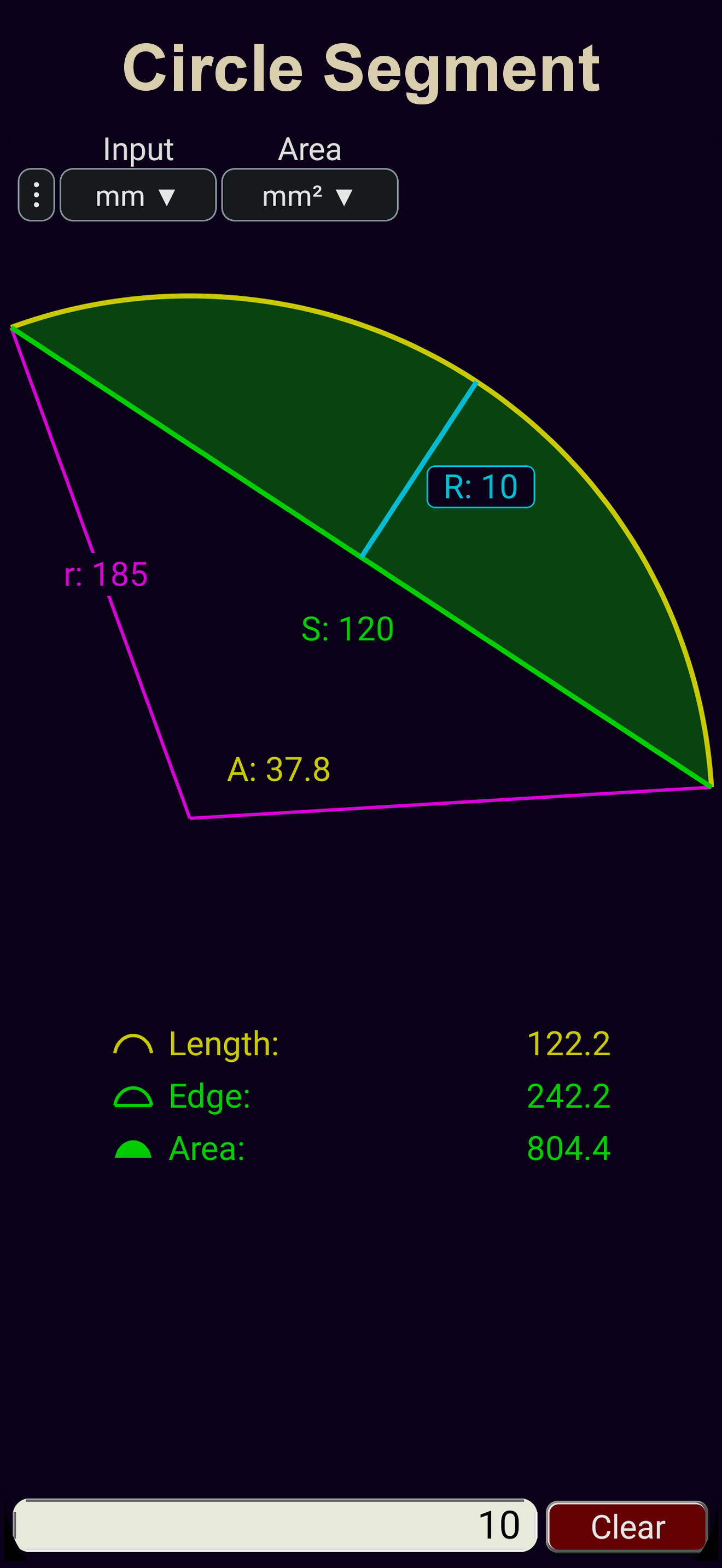
Useful when you need to make or check a curved opening, for instance a brick arch over a door or window.
Enter the measurements you know and Badut can calculate the radius, arc length, height, angle and area of the curve.
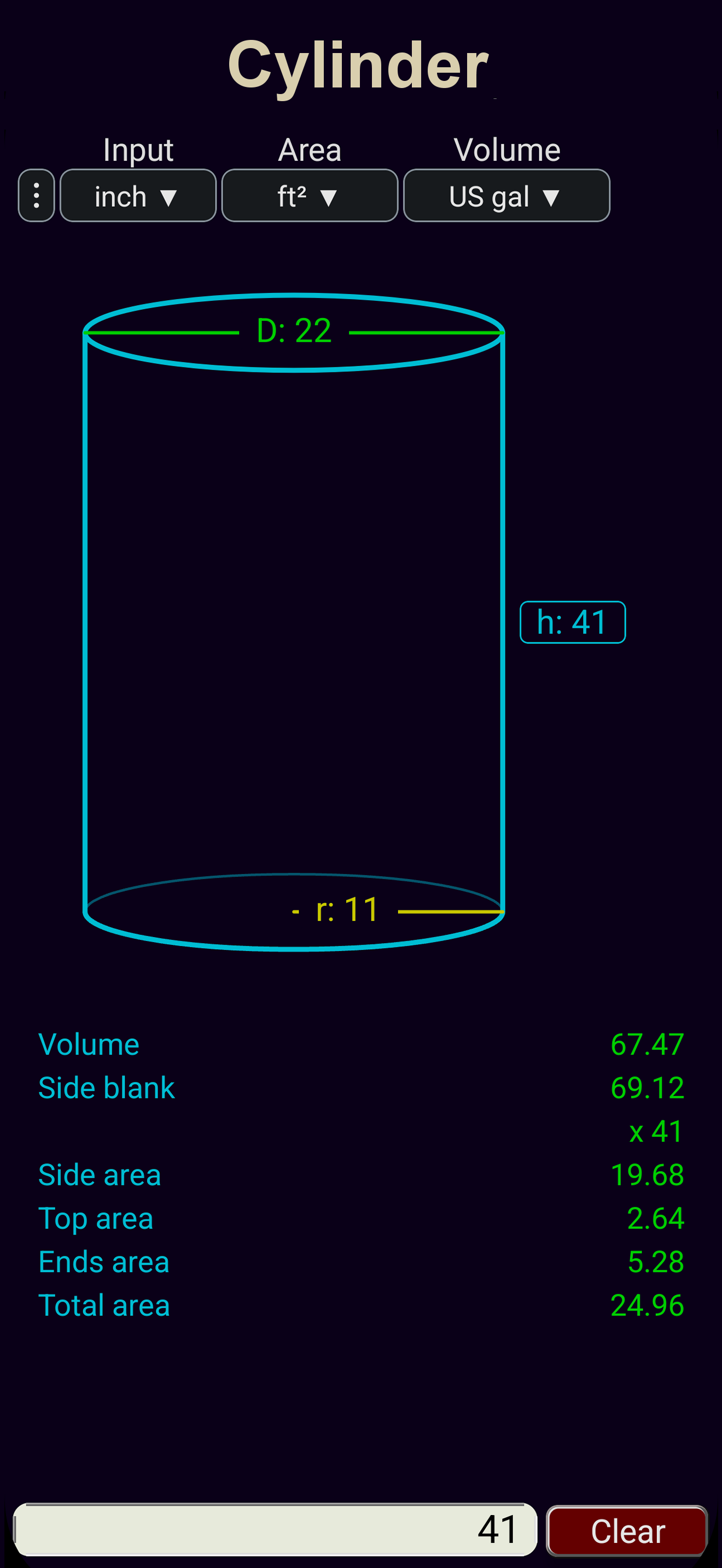
Calculate cylinder dimensions, volume and surface areas.
Volume can be used as an input together with height or diameter/radius to find the missing dimension.
Useful for tanks, pipes, containers, material quantities and general workshop geometry.
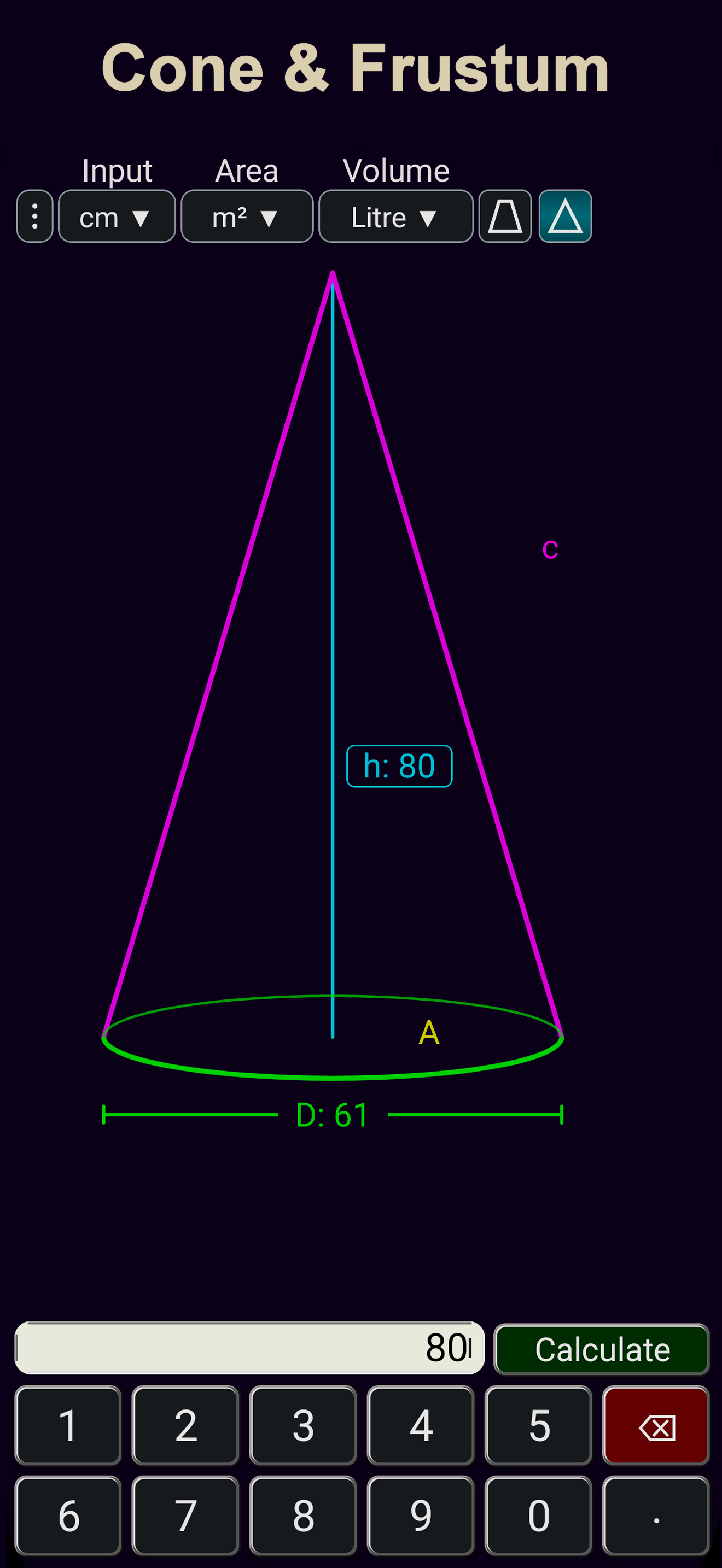
Calculate a cone from practical dimensions such as height, radius, diameter and sloping length.
Includes volume, surface areas and the values needed to lay out the sheet development.
Useful for funnels, cones and other fabricated conical parts.
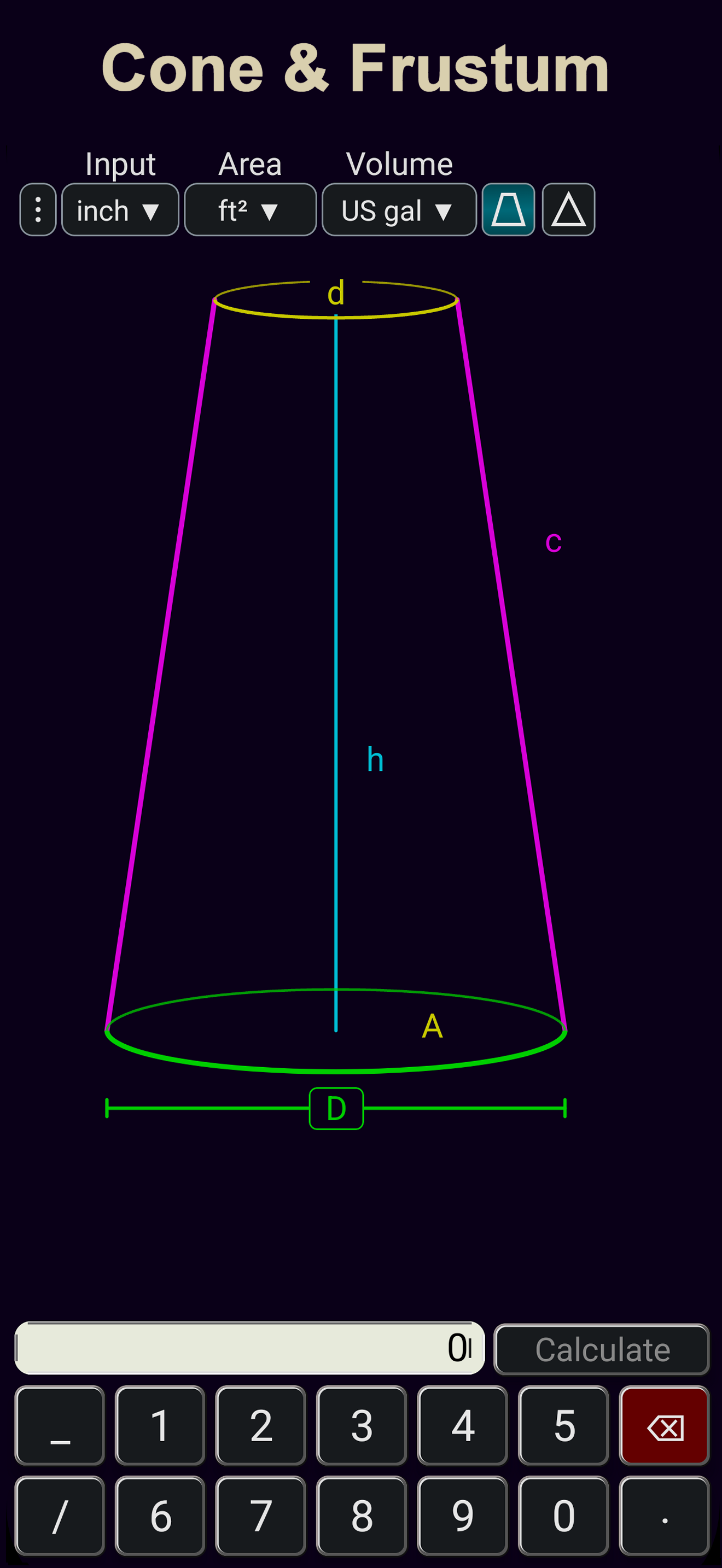
Calculate a truncated cone, or frustum, from the top and bottom diameters and the height.
Badut also calculates volume, surface areas, sloping length and the sheet-development dimensions.
Useful for transitions, reducers, ducts and other tapered fabricated parts.
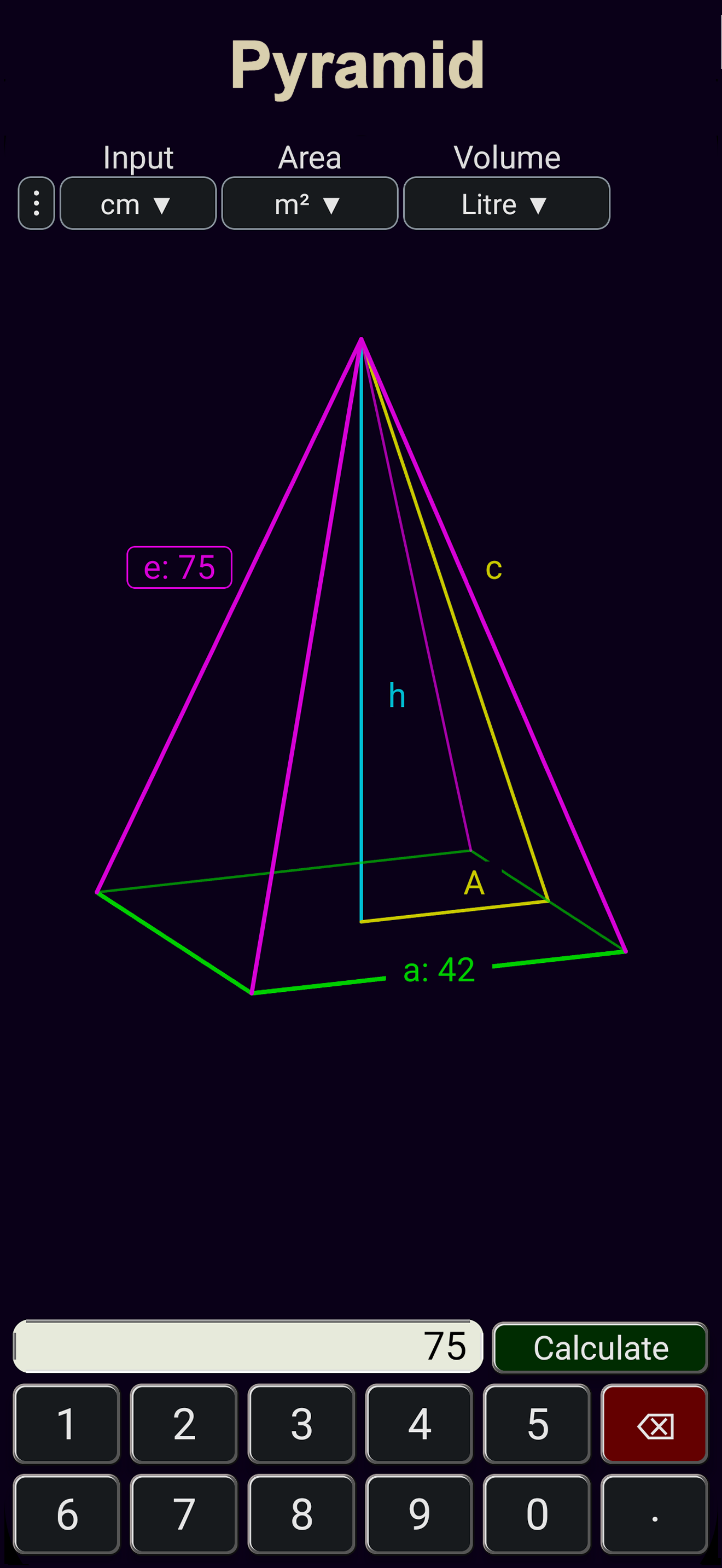
Calculate a square pyramid from its base, height and related dimensions.
Includes volume, sloping dimensions and surface areas.
Useful for fabrication, covers and other four-sided tapered shapes.
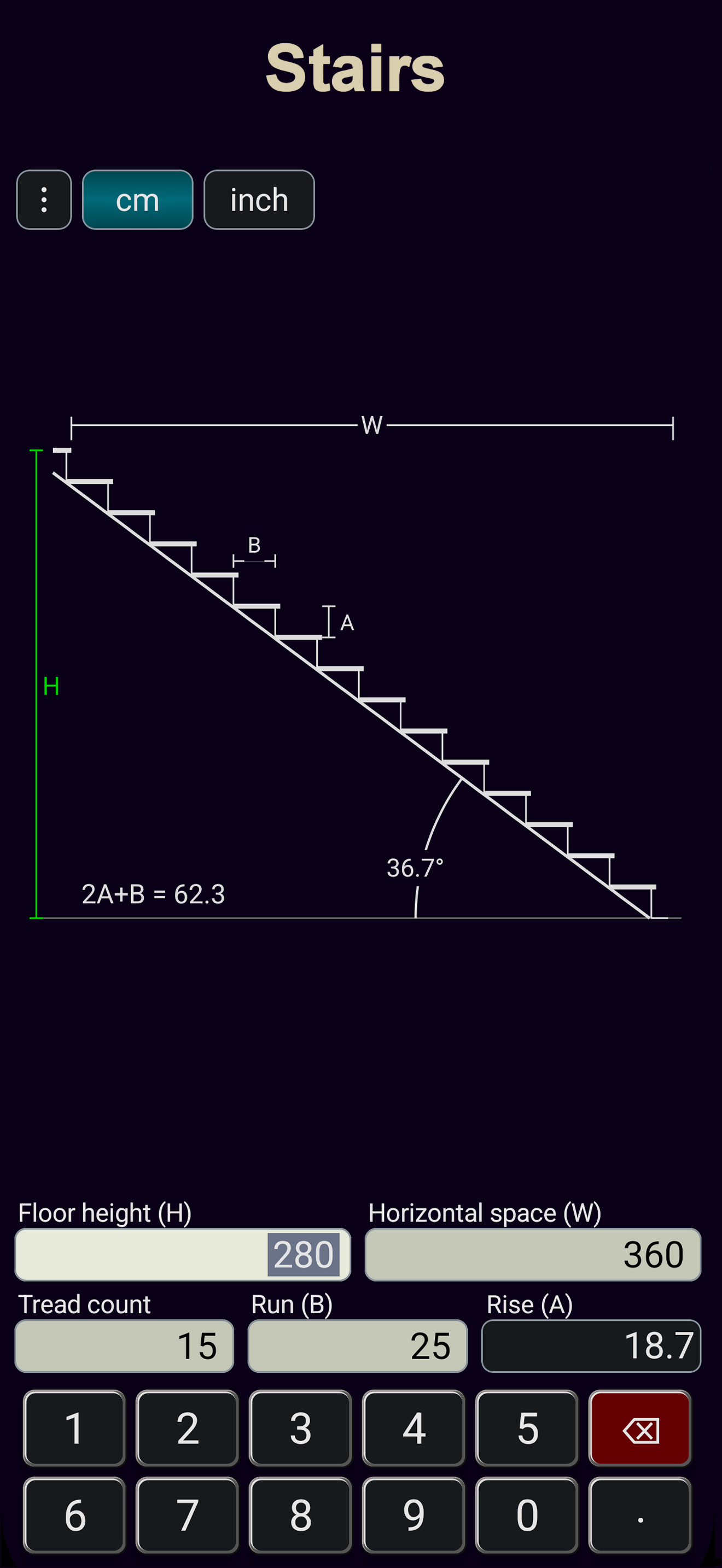
Planning a new staircase? Badut helps you find stair dimensions that are comfortable to walk on.
It can also quickly calculate a straight staircase from the dimensions you already know, making it useful for terrace stairs and similar projects.
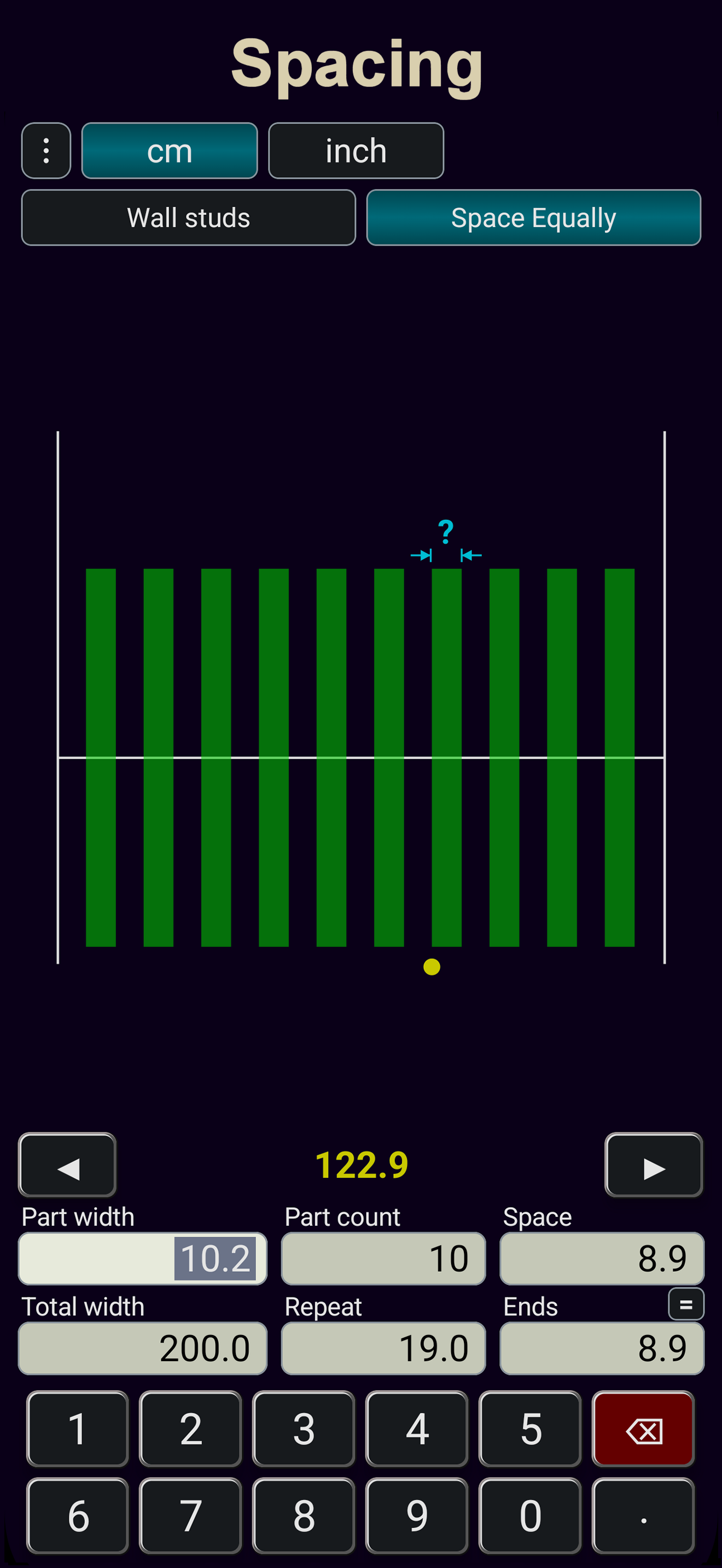
Divide a distance into equal spaces or equal centre positions for repeated items.
Use the arrow buttons to step through the calculated positions one by one while marking out the workpiece.
Useful for boards, holes, posts, balusters and many other repeated layouts.
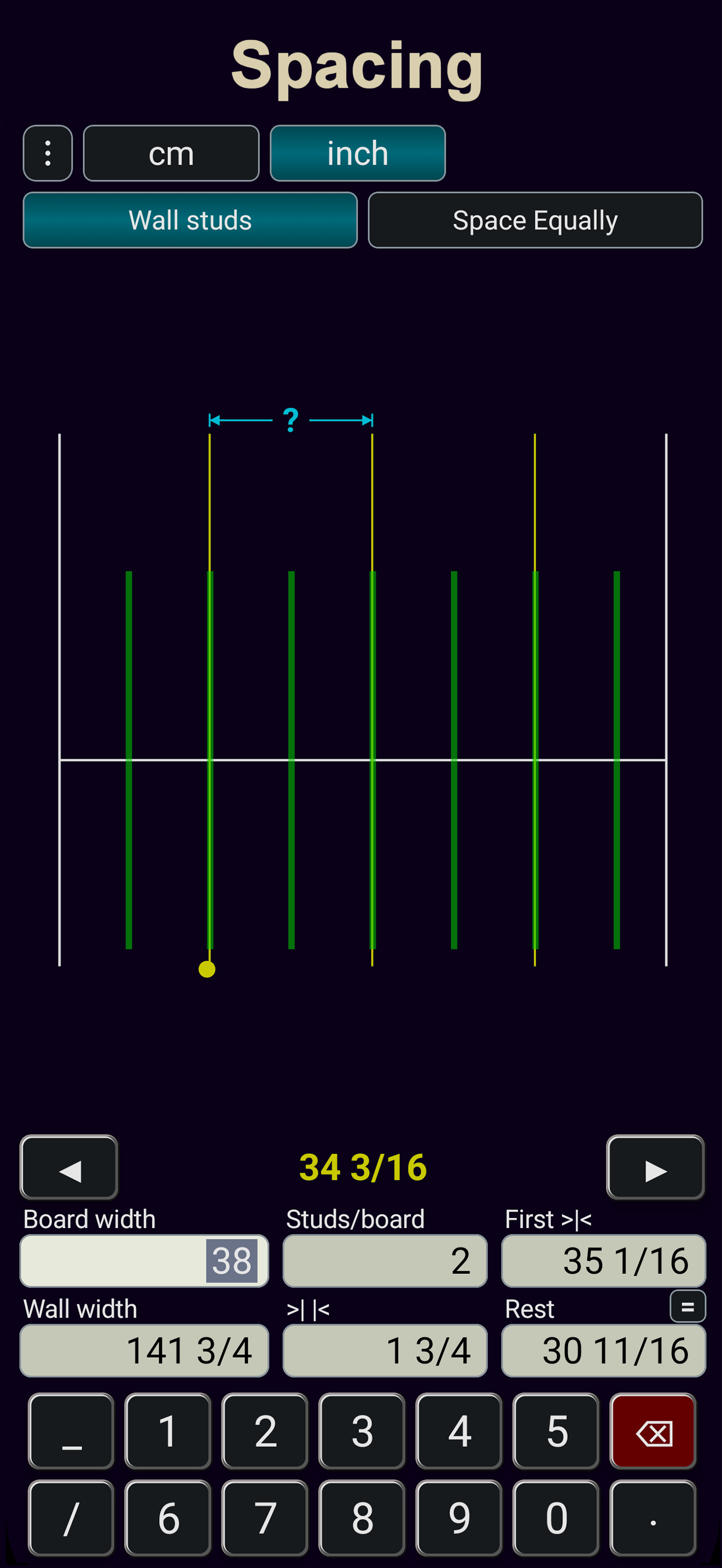
The wall-stud mode lays out studs from a chosen spacing while allowing for the actual width of the timber.
Step through every position with the arrow buttons instead of repeatedly measuring and adding dimensions by hand.
Useful for stud walls and similar layouts where the material itself has a significant width.
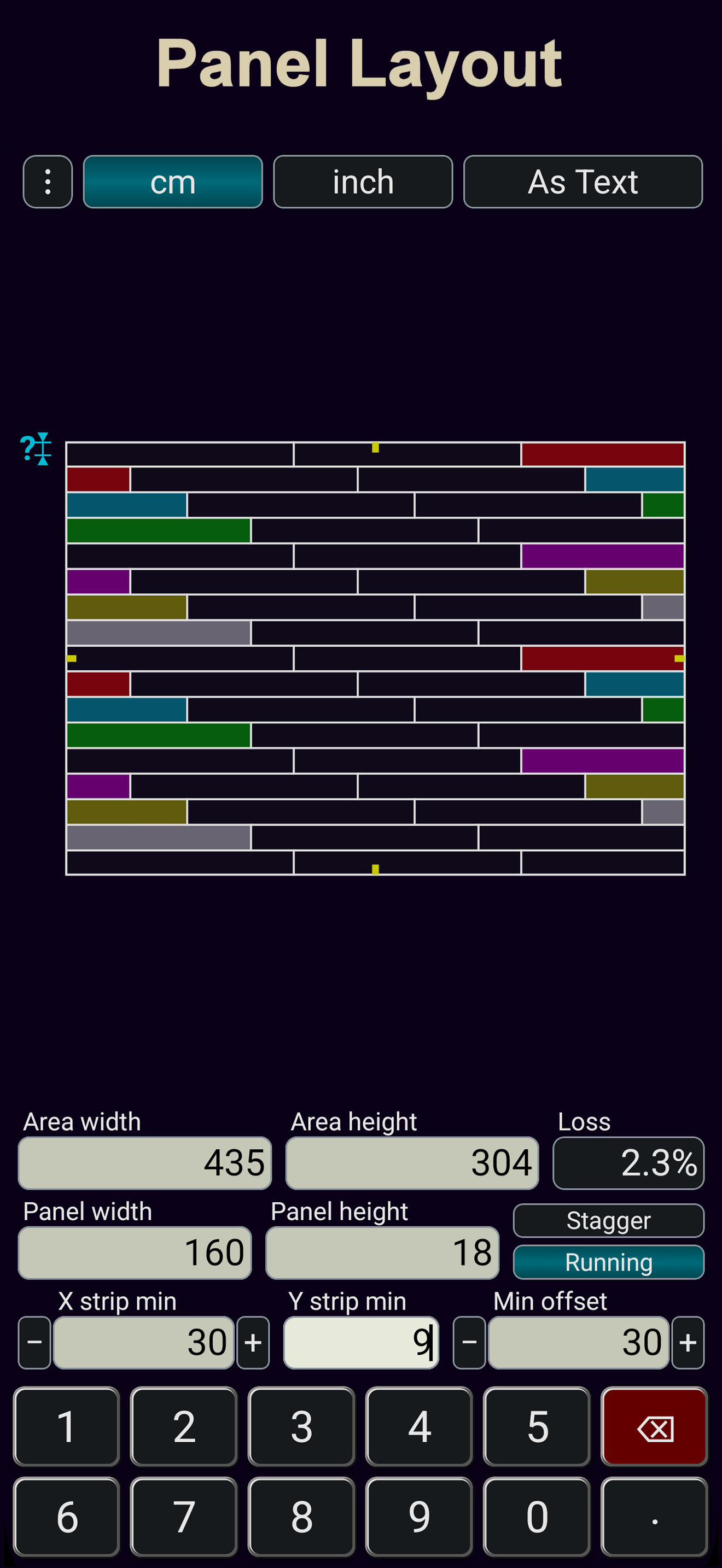
Lay out panels, tiles, boards and sheets across a rectangular area.
Supports straight, running and staggered layouts and shows panel count, waste and actual edge strips.
Useful for ceilings, walls, floors and sheet layouts where balanced appearance matter.
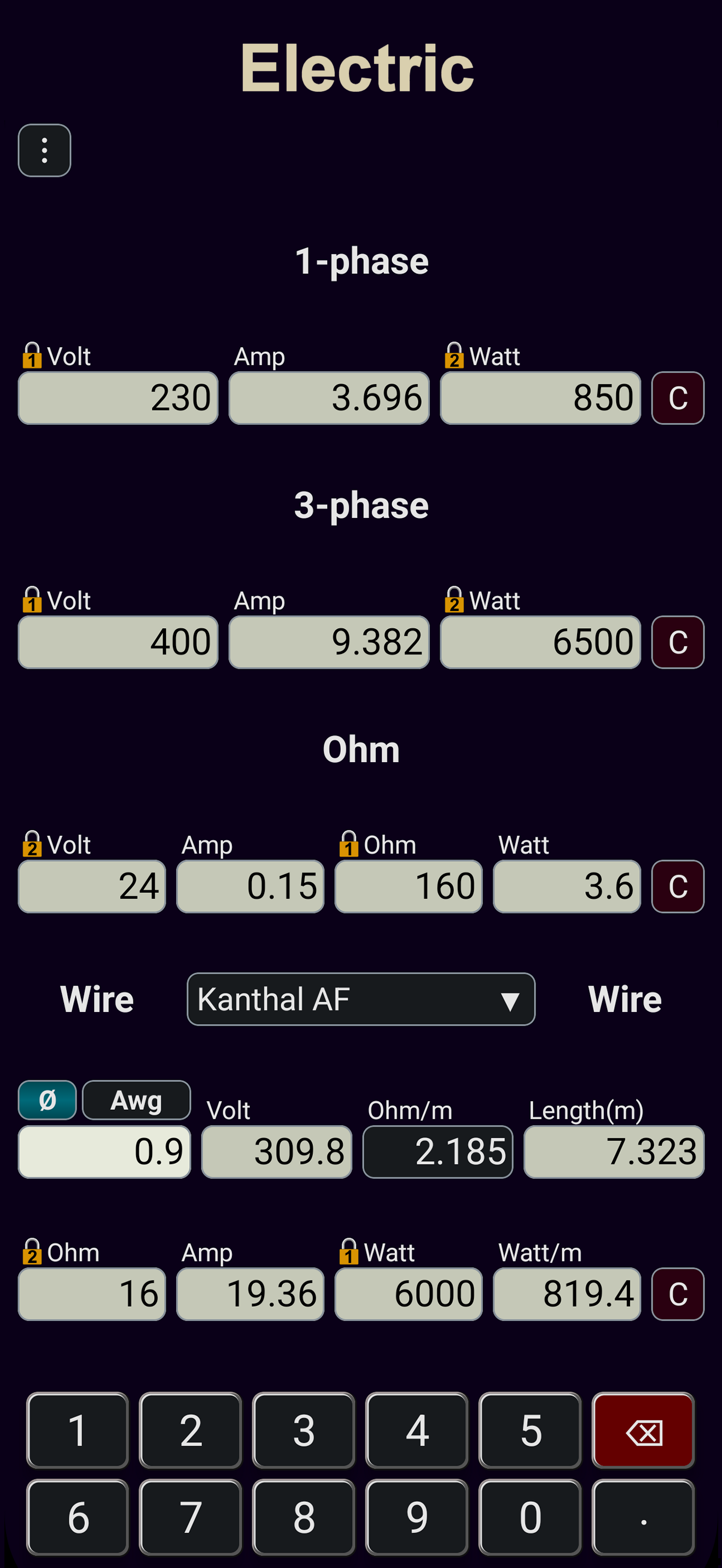
Calculate voltage, current, resistance and power using the relationships between the values.
Includes wire resistance and length calculations using wire diameter or AWG size.
Useful for practical DC and simple electrical calculations, including voltage drop and power loss in wires.
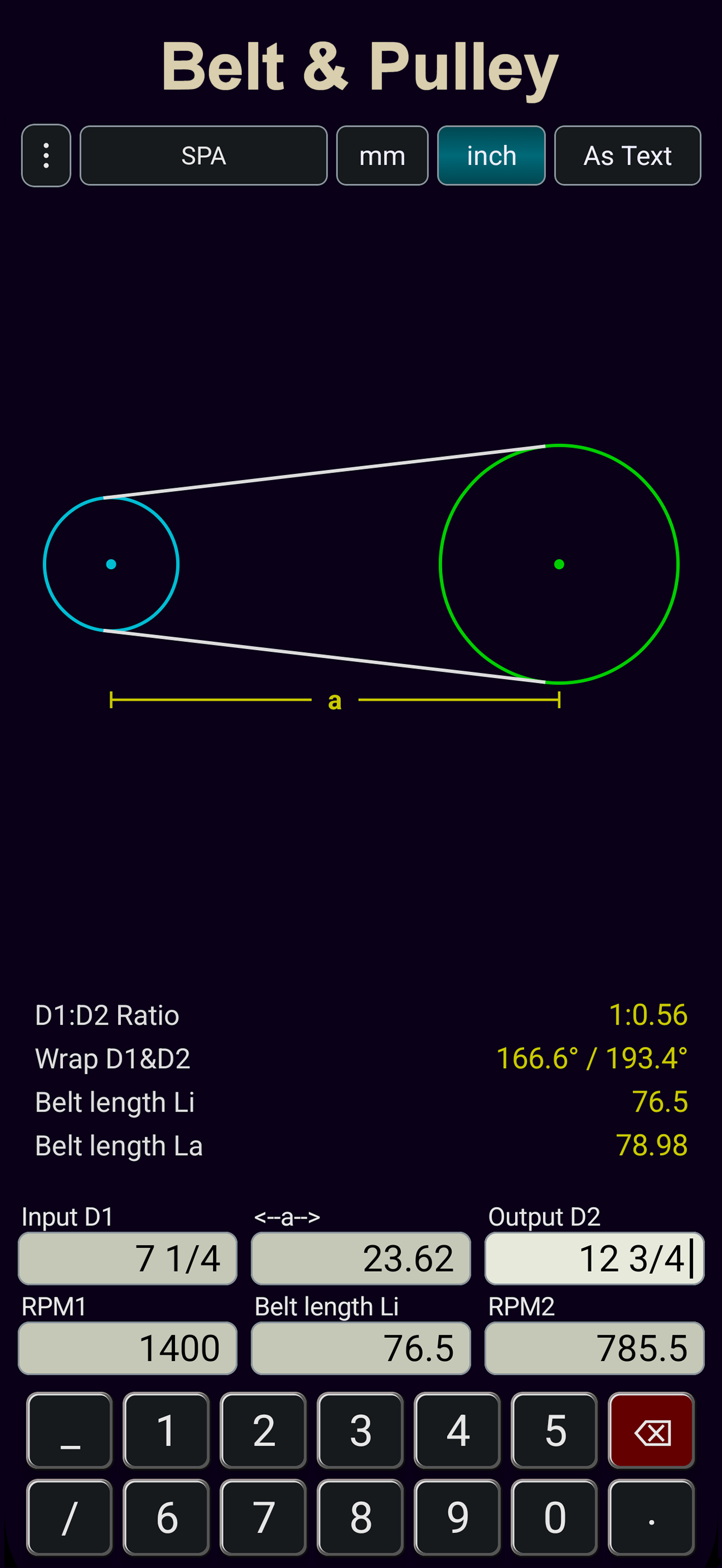
Calculate pulley ratio and RPM from the driving and driven pulley diameters.
Use known pulley sizes and speed to find the missing value when designing or modifying a belt drive.
Supports both metric and inch dimensions.
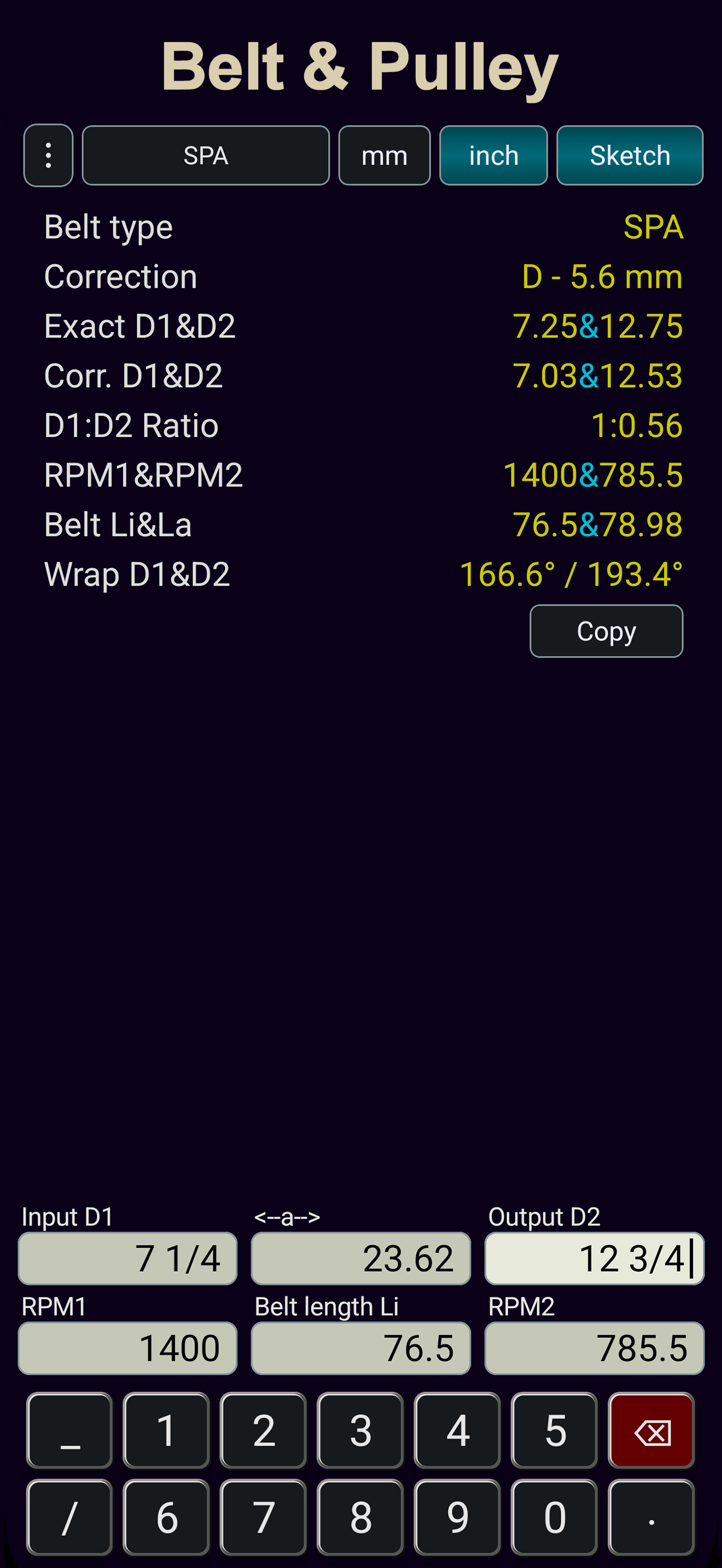
Use the belt view to calculate centre distance, belt length and the wrap angle around both pulleys.
This makes it easier to check whether a proposed belt drive will physically fit and give sufficient belt contact.
Useful for workshop machines, motors and other belt-driven equipment.
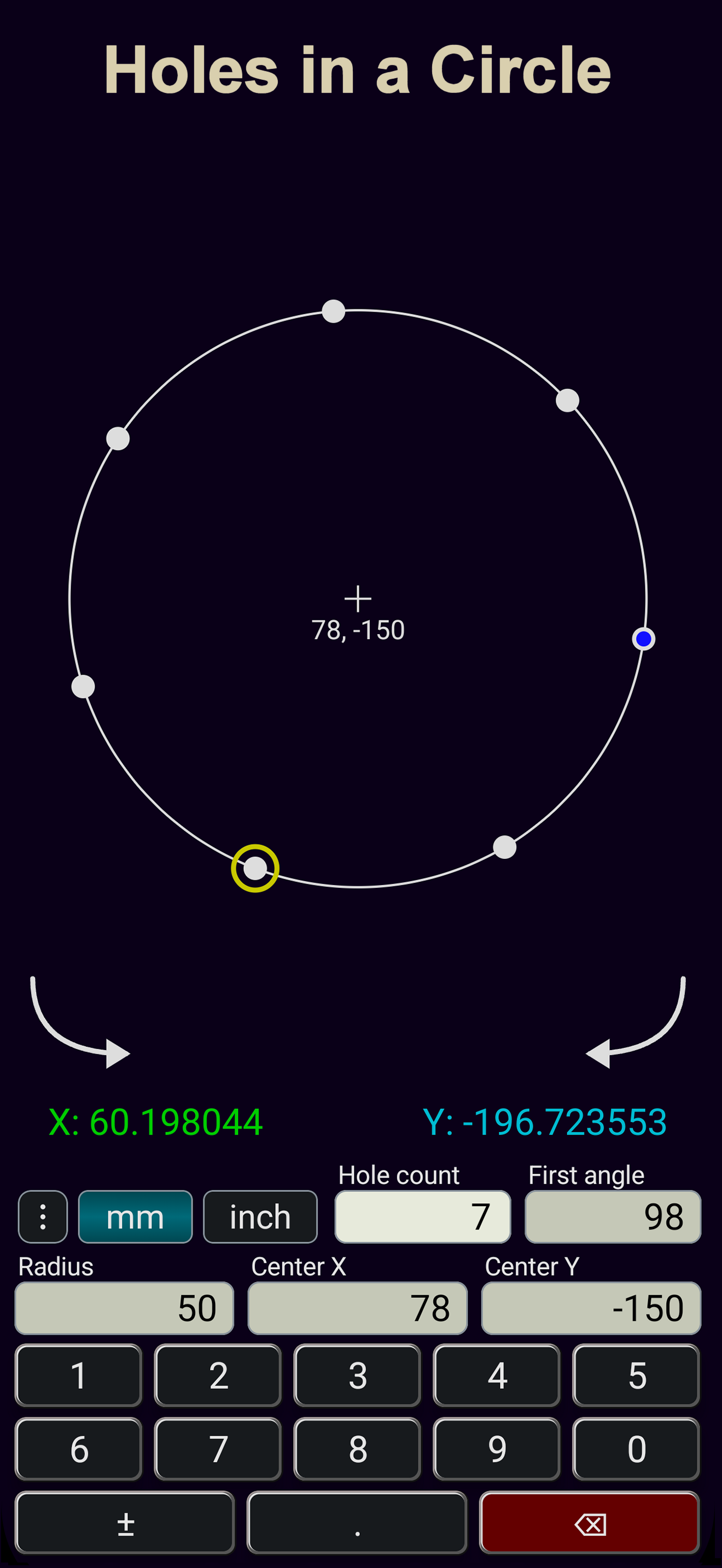
Calculate equally spaced hole positions around a circle.
Shows the coordinates for every hole and allows the start angle and centre position to be changed.
Useful for bolt circles, flanges, faceplates, drilling templates and CNC or manual layout work.
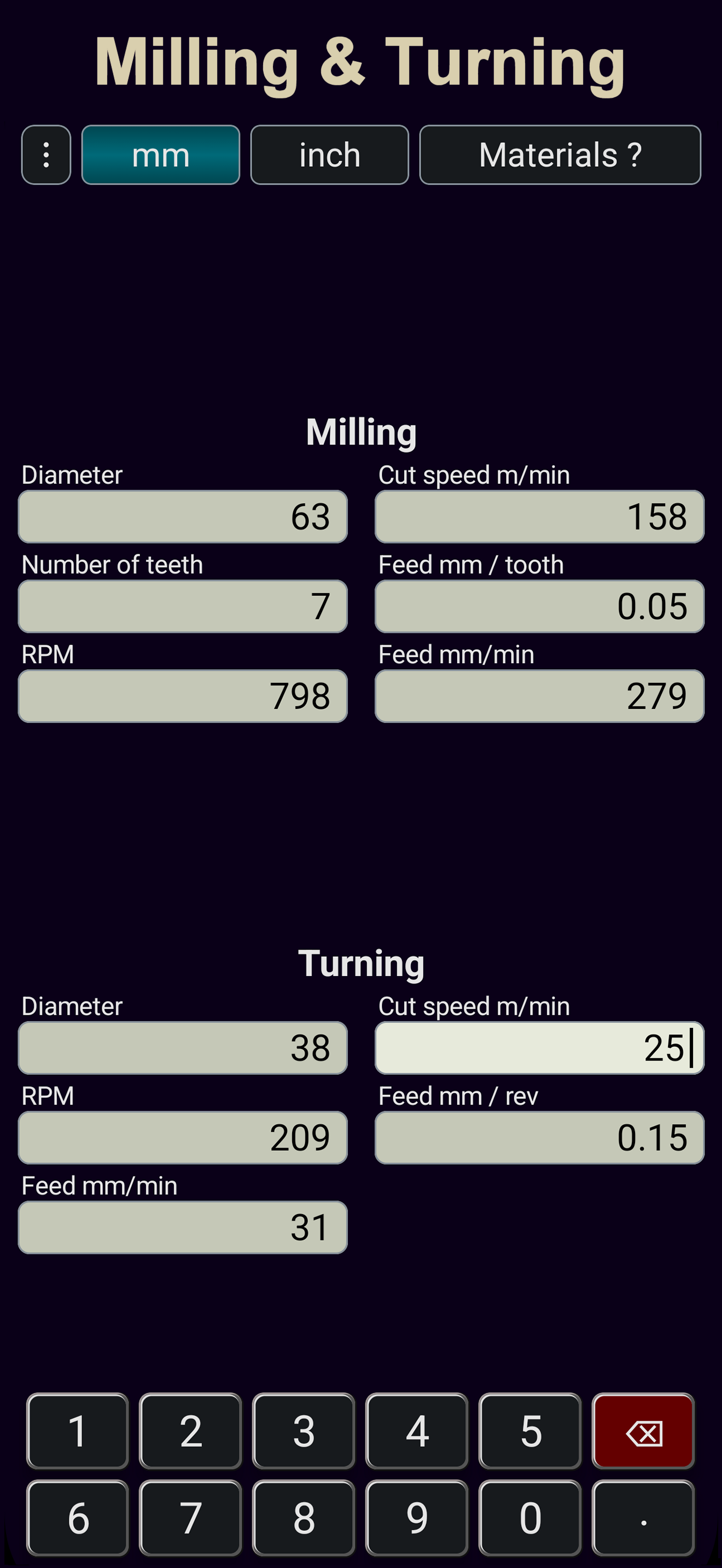
Calculate practical cutting data for milling and turning.
Work with tool diameter, cutting speed, number of teeth, feed per tooth, feed per revolution, RPM and feed per minute.
Useful for quickly converting between the values normally found in tooling data and the settings required on the machine.
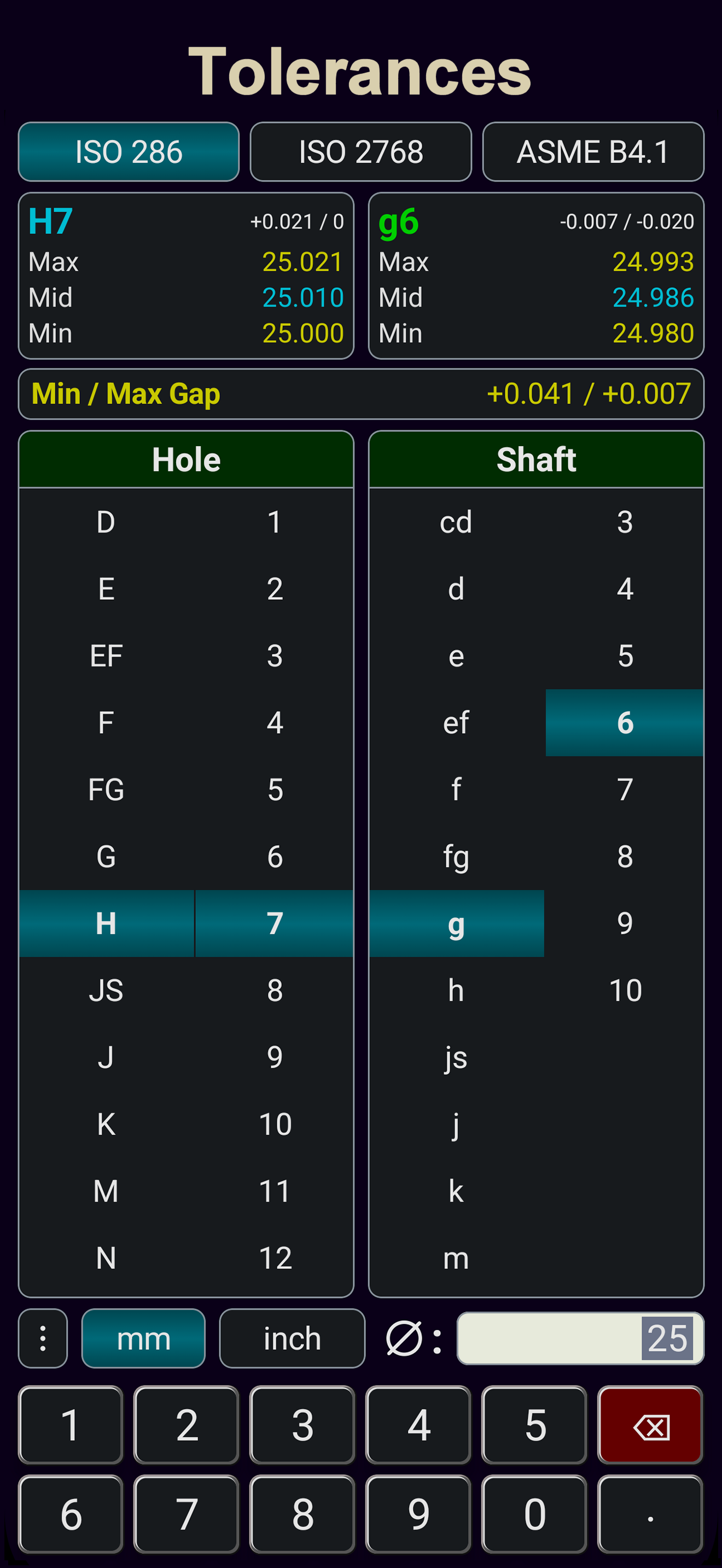
Look up ISO 286 hole and shaft tolerances directly from the nominal size and tolerance class.
Badut shows the upper and lower deviations together with the resulting minimum and maximum sizes.
Useful when machining or checking individual shafts and holes.
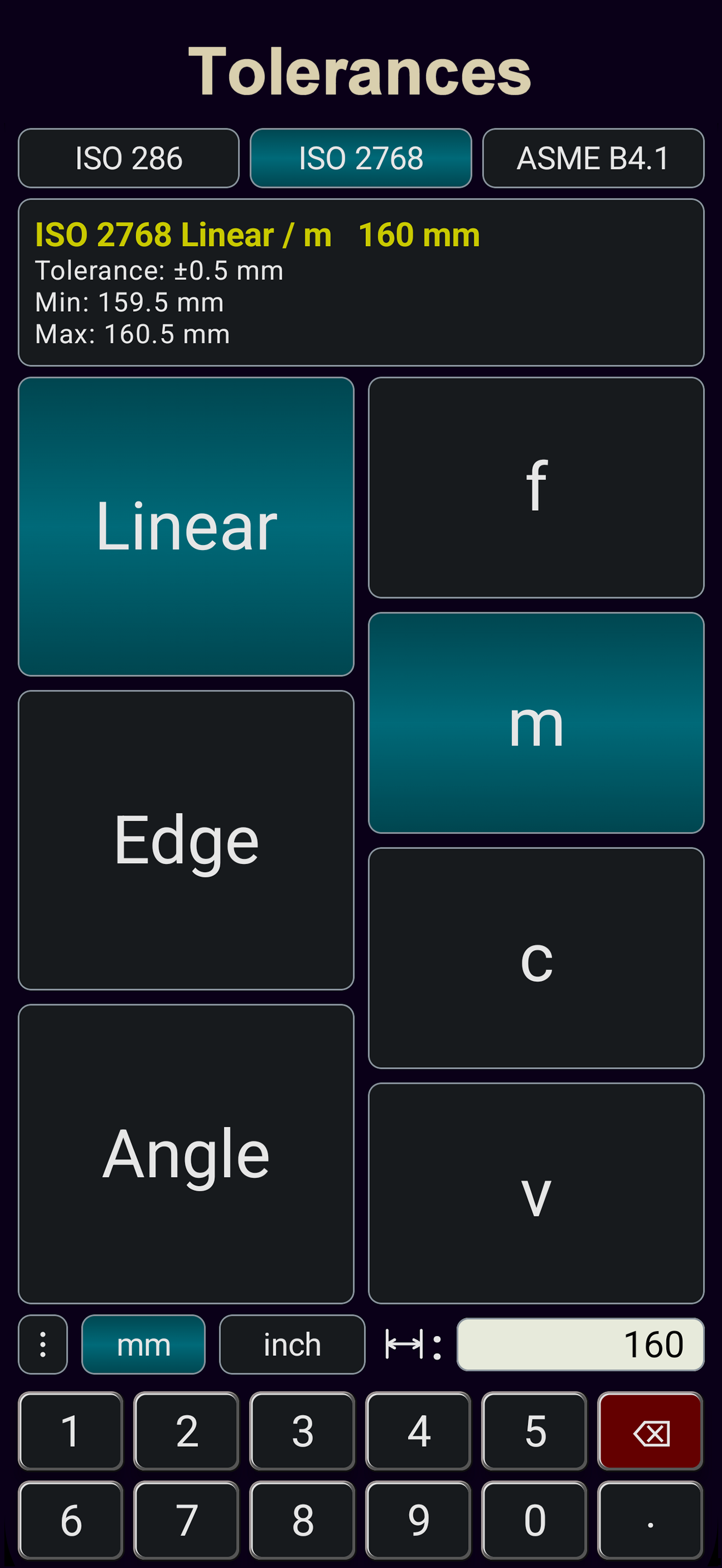
Use ISO 2768 general tolerances when a drawing gives a general tolerance class instead of an individual tolerance for every dimension.
Enter the nominal dimension and class to see the permitted variation directly.
Useful for reading workshop drawings and checking ordinary machined or fabricated dimensions.
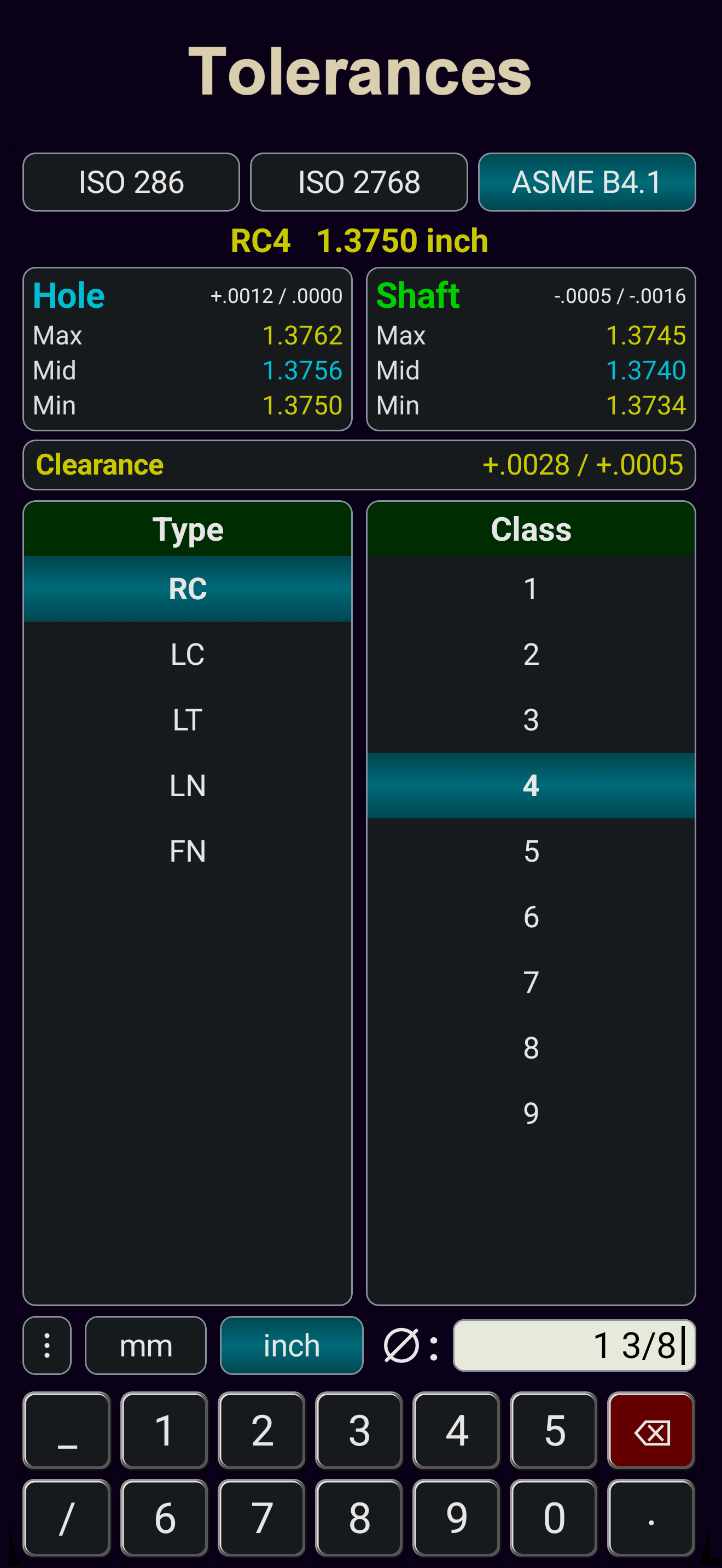
Use the ASME B4.1 section for inch-based hole and shaft fits.
Badut shows the dimensional limits and the resulting clearance or interference for the selected fit.
Useful when working from American drawings or machinery specified in inch fits.
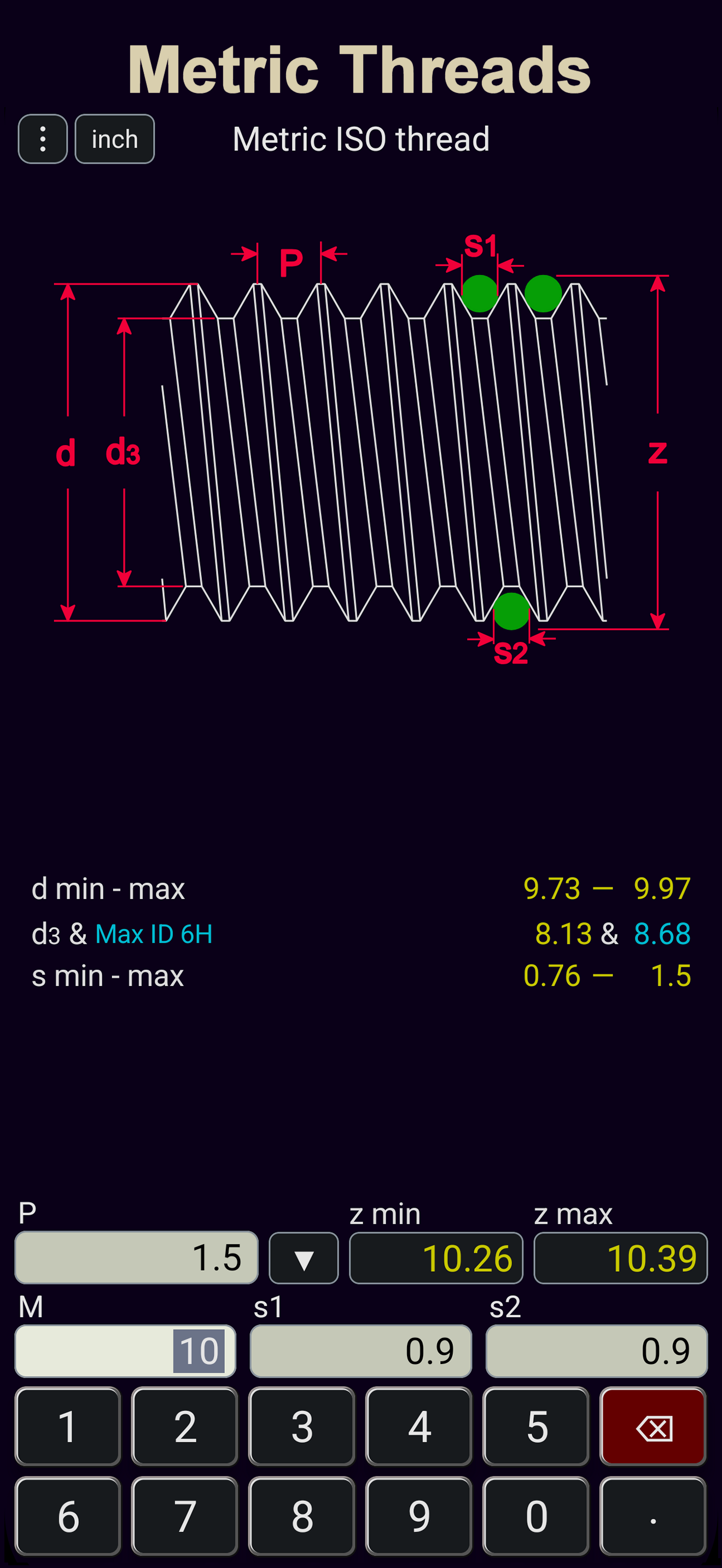
Calculate the correct measurement over wires for checking external threads.
Enter the thread size and Badut calculates the minimum and maximum measurement limits and the optimum measuring wire diameter.
If you do not have the optimum wires, simply enter the wire diameters you have and Badut calculates the correct measurement limits for those instead.
Badut also calculates the maximum drill size for cutting the internal thread. Using the largest possible drill reduces the load on the tap and often makes thread cutting much easier, especially in hard materials.
Also includes support for BSP and other 55° and 60° pipe threads.
Support
Questions or problems with Badut?